Publishing content faster than ever also makes it easier than ever to end up sounding like everyone else, sometimes by accident. A rushed paraphrase, a research note that slips in unattributed, or a freelancer cutting corners can all leave you with content that reads as duplicate, even when the copying wasn’t intentional. That’s exactly why free tools for checking plagiarism matter: whether you’re a student, a content creator, or running content for a digital marketing agency, you need an easy way to confirm your work is actually yours before it goes live. This post walks through seven free tools for checking plagiarism, what each one is actually good for, and the habits that keep your content original in the first place.
Understanding Plagiarism
Plagiarism means using someone else’s words, ideas, or structure without giving them credit, and presenting it as your own. It’s not only an ethics problem, in academic and professional settings it can carry legal consequences too. The line between being inspired by something and copying it has blurred online, where it’s easy to lift a phrase or a structure without even realizing it. Plagiarism isn’t limited to text either. It also covers unattributed use of ideas, images, and the way a piece of content is organized.
7 Free Tools For Checking Plagiarism
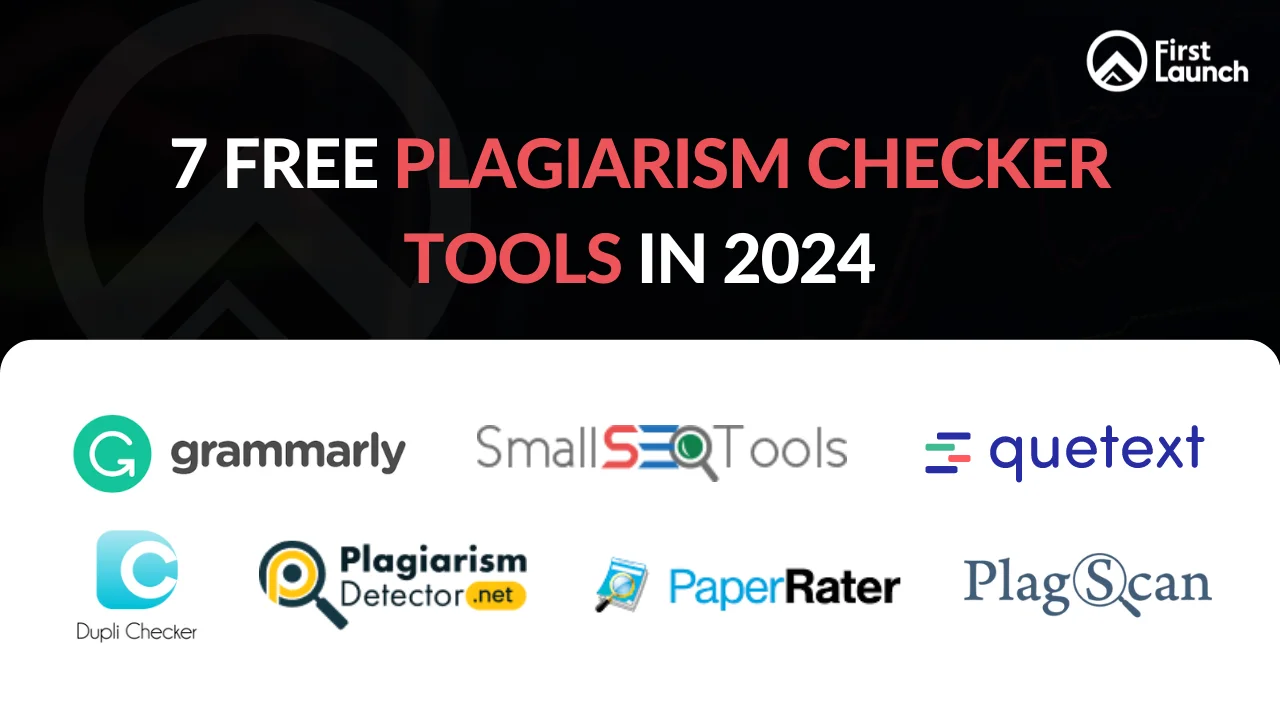
Here are seven free tools for checking plagiarism worth trying, each suited to slightly different needs.
1. Grammarly
Grammarly is best known for catching grammar and style issues, but its plagiarism checker compares your text against a huge index of web pages and academic sources too. Worth knowing upfront: the plagiarism check sits behind Grammarly’s paid plans, not the free version, so treat it as a bonus if you’re already using Premium for writing rather than a standalone free checker.
2. SmallSEOTools
SmallSEOTools bundles a plagiarism checker into a wider set of free content and SEO tools. It’s a solid pick for web content creators who want a quick originality check without creating an account, and it pairs well with other content writing tools for SEO growth if you’re building out a content workflow.
3. Quetext
Quetext runs a deep search that flags matched content with colour coded results and links back to the likely source. The free tier covers a reasonable number of checks a month, enough for occasional use, while its DeepSearch feature is reserved for paid users who need heavier volume.
4. DupliChecker
DupliChecker is built for speed rather than depth. It won’t match the granularity of some of the more advanced tools on this list, but for a fast originality check before you hit publish, it does the job without any friction.
5. PlagiarismChecker
PlagiarismChecker stands out for letting you scan a full web page, not just pasted text. That makes it useful for educators confirming the originality of student submissions, or marketers auditing a freelancer’s delivered content.
6. PaperRater
PaperRater gives instant plagiarism and grammar feedback in the same pass. Its suggestions go beyond flagging copied text, helping you tighten up readability at the same time.
7. Plagscan
Plagscan is widely used in academic settings for its thorough scanning and detailed reports. Its free allowance is limited, so if you need to run frequent checks, budget for a paid plan rather than expecting long term free use.
Best Practices for Avoiding Plagiarism
Knowing which tools to reach for is only half of it. A few habits go a long way toward keeping your content original in the first place.
Paraphrase with Care
Paraphrasing isn’t swapping out a handful of words. It means restating an idea in your own language and structure, not running a synonym pass over someone else’s sentence.
Cite Meticulously
When you’re unsure whether something needs a citation, cite it. Proper attribution respects the original source and adds to your own credibility rather than taking away from it.
Employ Quotes Appropriately
Quotes can strengthen a piece of content, as long as they’re used sparingly and clearly marked as someone else’s words.
Run Regular Checks
Treat plagiarism tools as a routine part of your editing process, not a last resort you reach for only when something feels off.
Why Original Content Still Matters for SEO
Google has been fairly consistent on this: its own documentation on duplicate content says the issue isn’t duplication itself, it’s when content is copied or spun with the intent to manipulate rankings rather than genuinely inform readers. Original, well attributed content tends to earn trust from both search engines and readers, while thin or copied content struggles to rank and can quietly damage a brand’s credibility.
This is part of why content originality sits inside a broader SEO strategy rather than being treated as a one-off check. At First Launch, content work starts from the same question every time, is this piece actually adding something a reader can’t get elsewhere, well before it goes anywhere near a plagiarism scan. If your content strategy needs a second look, requesting a quote is a reasonable place to start.
FAQs
What are the best free tools for checking plagiarism?
Grammarly, SmallSEOTools, Quetext, DupliChecker, PlagiarismChecker, PaperRater, and Plagscan are among the most widely used. Each works a little differently, so the right one depends on whether you need a quick check, a detailed report, or the ability to scan a full web page.
Is Grammarly’s plagiarism checker actually free?
No, not on the free plan. Grammarly’s plagiarism detection is bundled with its paid Premium plans. If you want a genuinely free plagiarism check, tools like SmallSEOTools or DupliChecker are better starting points.
Can free plagiarism checkers be trusted for professional or published content?
For a first pass, yes. Free tools for checking plagiarism are reliable enough to catch obvious duplication and unattributed lifts. For high stakes content like published articles, academic papers, or client deliverables, it’s worth running a second check with a more thorough tool such as Quetext or Plagscan.
Does Google penalize websites for duplicate content?
Not automatically. Google’s guidance is clear that duplicate content alone isn’t grounds for action, unless it looks deceptive or designed to manipulate rankings. That said, thin or unoriginal content still tends to underperform in search, so it’s worth treating originality as a ranking factor even without a direct penalty.
How often should I run a plagiarism check on my content?
Make it part of your regular editing process rather than an occasional task, especially if multiple writers or freelancers are contributing to your content.
Conclusion
The right free tools for checking plagiarism won’t write your content for you, but they will catch the mistakes that quietly undermine your credibility, whether that’s an accidental lift, an over borrowed paraphrase, or a freelancer cutting corners. Build a quick check into your process, lean on the practices above, and originality becomes a habit rather than an afterthought. Make sure you remain original, and let your unique voice shine through with the support of an SEO Company in Bangalore.
Blog posts we recommend:
Content Writing Tools in 2024 for SEO Growth

