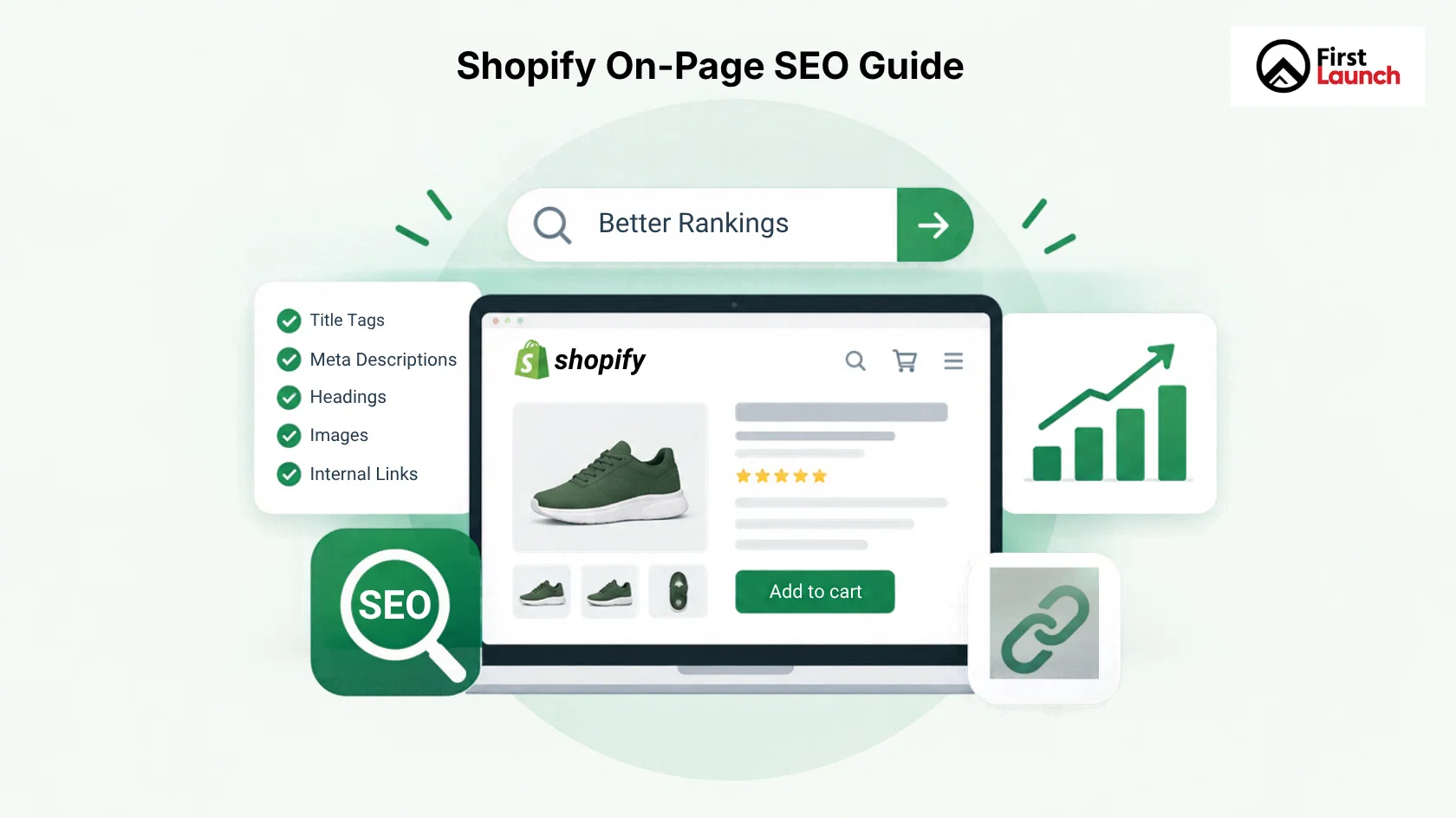
A Shopify store may have products and a nice storefront, but that alone doesn’t guarantee it will show up in organic search results. Search engines need to understand what each page offers, which searches it matches, and how the store’s pages connect.
This is where Shopify On-Page SEO becomes important.
Shopify On-Page SEO involves improving the parts that appear on or are linked to webpages. For a Shopify store, this includes product titles, descriptions, headings, metadata, images, internal links, URLs, collection content, and more.
The challenge is that ecommerce websites have different page types. A product page should not be optimized in the same way as a collection page or a blog post.
This guide explains how to approach Shopify On-Page SEO and provides a practical Shopify On-Page SEO checklist that you can use across your store.
What Is Shopify On-Page SEO?
Shopify On-Page SEO means improving Shopify pages so that search engines can understand their purpose and shoppers can quickly find useful information.
These pages can include:
- Homepage
- Collection pages
- Product pages
- Blog posts
- About and service pages
- Buying guides
- Landing pages
Each page should have a purpose and target a relevant search intent.
For example, a collection page for “linen shirts” should help users browse linen shirts.
The objective is not to add the keyword repeatedly. The goal is to make every page more useful, specific, and relevant to the searches it is designed to serve.
Why On-Page SEO Matters for Shopify Stores
Ecommerce stores often have hundreds or thousands of URLs. This creates chances to appear in search, but it also creates more chances for weak or repetitive pages.
Good Shopify On-Page SEO helps each important page communicate:
- What the page is about
- Which products or information it provides
- What search queries it may be relevant to
- Where it fits within the store
- What should users do next?
It can also support the shopping experience.
A well‑optimized product page can answer questions before a customer contacts the business. A useful collection page can help shoppers understand the products within that category. Relevant internal links can help visitors discover products or guides.
Shopify On-Page SEO and the ecommerce experience therefore work together as separate activities.
Technical SEO vs On Page SEO
Technical SEO focuses on the infrastructure that allows search engines to crawl, access, and process a website. It includes areas like indexing, site architecture, redirects, XML sitemaps, website performance, and crawl management.
Shopify On-Page SEO focuses closely on individual pages and the information they provide. This includes titles, headings, content, keywords, images, internal links, and other page-level elements.
For a Shopify store, both are important.
Consider a product page with a description and carefully researched keywords. If technical problems prevent search engines from accessing or indexing the page, Shopify On-Page SEO may not deliver value.
Similarly, a healthy website can still struggle to rank if the product and collection pages contain thin, unclear, or poorly targeted content.
On Page and Off Page SEO Explained
The difference between Shopify On-Page SEO and Off-Page SEO comes down to where the optimization happens.
Shopify On-Page SEO takes place on your website. You can directly control your page content, headings, metadata, images, internal links, and page structure.
Off-Page SEO involves activities outside your website that can influence its authority and visibility. Link building, digital PR, brand mentions, and certain forms of promotion fall into this area.
A Shopify store needs both.
For example, creating a product comparison guide is a Shopify On-Page SEO activity. Getting another website to reference that guide is an Off-Page SEO activity.
Neither should replace the other. A Shopify store first needs well‑optimized pages that give external websites something worth referencing.
Shopify On Page SEO Checklist
Use this checklist when optimizing individual pages across your Shopify store.
Start With Keyword and Search Intent Research
Before changing a page, understand what people are actually searching for.
Do not choose keywords from product names or company terms. Think about the words customers use when they search for your items.
For instance, a business might sell a product called “Urban Flex.” Customers are more likely to search for “men’s running shoes” than the internal name.
Assign one topic or keyword to each key page. Then find terms that naturally describe that topic. Do not create pages that target nearly the same searches unless those pages have truly different purposes.
Optimize Shopify Page Titles
The title tag is one of the visible SEO parts because it can appear as the main clickable title in search results.
For Shopify pages, write titles that clearly show what the page offers.
On a product page, use the product name and key descriptive words. On a collection page, include the category or product type.
For example:
Men’s Running Shoes | Lightweight & Performance Footwear
is more informative than:
Products | Store Name
Keep titles natural. Adding multiple variations of the same keyword can make them difficult to read and does not create a stronger page.
Write Useful Meta Descriptions
Meta descriptions give a summary of a page and can influence whether someone clicks your result.
A Shopify meta description should tell users what they can expect from the page.
On a product page, include a product benefit. On a collection page, describe the product range and its main value.
Do not use the description only to list keywords. Write it for the person deciding whether to visit your page.
Improve Product Page Content
Product pages are some of the most important pages on an ecommerce website.
A strong product page should give information for search engines and shoppers to understand the product.
Depending on the item, include details such as:
- Key features
- Benefits
- Materials
- Dimensions
- Compatibility
- Usage information
- Care instructions
- Delivery information
- FAQs
Avoid copying descriptions from manufacturers. Similar descriptions on sites make it harder for your store to offer distinct value. Focus on answering the questions a potential customer is likely to have before buying.
Optimize Collection Pages
Collection pages can be important for Shopify SEO because they group related products around a topic.
Do not treat a collection page as a grid of product images. Add introductory or supporting content where needed. Explain what the collection contains, who it is for, or how shoppers can choose between the products.
For example, a “Women’s Running Shoes” collection could briefly explain the types of running shoes available. The features shoppers may want to consider.
Keep this content useful. A long block of SEO copy above the products can make the shopping experience worse.
Use a Clear Heading Structure
Headings help organize page content for readers and search engines.
Your page should have a main heading that describes the page.
Product pages should normally have an H1 that identifies the product. Collection pages should have an H1 that describes the collection.
Use H2 and H3 headings when they make longer content easier to navigate.
Do not add keywords to every heading to increase keyword usage. Headings should first help users understand the page.
Make Product Images SEO-Friendly
Images are essential to ecommerce, but they can also contribute to page quality when handled correctly.
Use descriptive file names and meaningful alt text where appropriate.
For example:
black-leather-laptop-bag.jpg
is more useful than:
IMG_4528.jpg
Alt text should describe the image for users who cannot see it. It should not become a list of keywords.
Also make sure product images are appropriately sized and compressed so they do not unnecessarily affect page performance.
Build Strong Internal Links
Internal links connect related pages within your Shopify store.
They can help shoppers discover products, categories, and useful content while also helping search engines understand relationships between pages.
For example, a blog post about choosing running shoes could link to a relevant running shoe collection. A product page could link to a size guide or related product category.
Use descriptive anchor text where it feels natural.
Instead of:
Click here
use:
explore our running shoe collection
when that accurately describes the destination.
Review Shopify URLs
Your URLs should make sense to users and clearly show what the page represents.
Shopify follows set URL patterns for products, collections, and other pages. Do not change URLs to add keywords.
If a page already has a URL that works well, changing that URL can cause extra migration and redirect tasks that are not needed.
If a URL must be changed, ensure that the correct redirect is set up.
Add Relevant Structured Data
Structured data gives details about a page in a format that search engines can read.
In ecommerce, product structured data can share details like product name, price, stock, and reviews. This works when the data is correct and can be used for search results. Shopify also points out that product schema is used in ecommerce.
Check your implementation instead of assuming that an SEO app or theme has set everything right.
The data must match what users actually see on the page.
Match Content to the Page’s Purpose
A mistake in ecommerce SEO is trying to make every page rank for all search terms.
A product page should mainly help someone learn about and evaluate a product.
A collection page should help users look through a product category.
A blog post should answer a question. Give useful guidance.
Focusing on each page makes the link between search intent and content clearer.
It also lowers the chance that many Shopify pages fight for the search term.
What Is an On-Page SEO Checker?
An on‑page SEO checker is a tool that examines webpage parts and finds optimization problems.
Depending on the tool, it may check:
- Title tags
- Meta descriptions
- Headings
- Keyword usage
- Internal links
- Image alt text
- Content structure
- URLs
- Technical page elements
Tools can spot problems fast, especially when a Shopify store has products. However, do not treat an automated score as the answer.
A tool might say a keyword is missing from a heading. That does not automatically mean adding it will help the page. Human review is still needed to see if the change makes sense for the customer and the search intent.
Common Shopify On-Page SEO Mistakes
Several problems appear repeatedly across ecommerce websites:
- Using the Same Content on Multiple Product Pages: Similar products may tempt store owners to reuse descriptions. Instead, make each important product page genuinely useful and specific.
- Writing for Search Engines Instead of Shoppers: Adding keywords repeatedly can make product descriptions awkward. Write naturally and use relevant terms where they fit the topic.
- Ignoring Collection Pages: Businesses often focus heavily on products and leave collection pages almost empty. Strong category-level content can help explain what the collection represents.
- Creating Multiple Pages for the Same Search Intent: Not every keyword variation needs its own page. If several searches have the same underlying intent, one strong page may be more useful than several weak ones.
- Treating SEO as a One-Time Task: Products change, collections grow, URLs are updated, and content becomes outdated. Shopify on-page SEO should be reviewed as the store evolves.
How On-Page SEO Supports Shopify Conversion Optimization
SEO should not stop when someone visits your site. The page must help the visitor make a decision.
Clear product info, images, simple navigation, relevant internal links, reviews, FAQs, and strong calls to action can cut friction in the buying journey.
This is where Shopify conversion optimization meets on‑page SEO.
For example, a visitor who finds a product on Google may still need details about size, materials, compatibility, shipping, or returns before buying. Giving that info on the page can help the user decide. Add value to the organic visit.
The goal is not just to bring visitors. It is to make the landing page useful enough to help the right visitors take the step.
Final On-Page SEO Checklist for Shopify
Before publishing or updating an important Shopify page, check:
- The page has a clear search intent.
- A relevant primary keyword or topic has been identified.
- The title tag accurately describes the page.
- The meta description is useful and relevant.
- The H1 clearly identifies the page.
- Headings organize the content logically.
- Product or collection content is original and useful.
- Images have appropriate file names and alt text.
- Internal links point to relevant pages.
- The URL is clear and appropriate.
- Structured data is accurate where applicable.
- Content matches the purpose of the page.
- The page works well for mobile shoppers.
- The page supports the user’s next step.
- Content is reviewed regularly as products and offers change.
Final Thoughts
Effective Shopify on-page SEO is about making every important page clear, useful, and relevant to both search engines and shoppers. Product pages should inform buyers, collection pages should support product discovery, and blog content should answer relevant questions.
Technical SEO provides the foundation, while Shopify on-page SEO helps individual pages communicate their value. A Shopify website development agency can also help align SEO, website structure, user experience, and conversion goals.
If your Shopify store is getting traffic but key pages are not performing well, a page-level SEO review can identify areas for improvement. Contact First Launch to discuss your Shopify on-page SEO requirements and improve your store’s organic visibility and customer journey.
Frequently Asked Questions
What is Shopify on-page SEO?
Shopify on-page SEO is the process of optimizing pages of a Shopify store for search engines and users. It includes page titles, meta descriptions, headings, product and collection content, images, URLs, internal links, and structured data.
How do I optimize my Shopify product pages for SEO?
Use a product title. Write a useful product description. Optimize the title and description. Use image alt text. Add internal links. Organize information with headings. Make sure the page matches the search intent behind the target keyword.
What is the difference between on-page SEO and technical SEO?
Shopify on-page SEO focuses on the content and elements of pages such as keywords, titles, headings, descriptions, images, and internal links. Technical SEO focuses on the website’s infrastructure, including crawling, indexing, site speed, redirects, etc. Both work together to support search visibility.
Does Shopify have built-in on-page SEO features?
Yes. Shopify manages features for editing page titles, descriptions, URLs, etc. Shopify also handles some elements automatically… Built-in features are not a full SEO strategy. Pages still need content, keyword targeting, internal links, image optimization, and review.
What is the best on-page SEO checker for Shopify?
There is no best on-page SEO checker for every Shopify store. Tools such as Google Search Console, Semrush, Ahrefs, and dedicated Shopify SEO apps can help identify issues. Use these tools to find optimization opportunities. Review recommendations manually.

