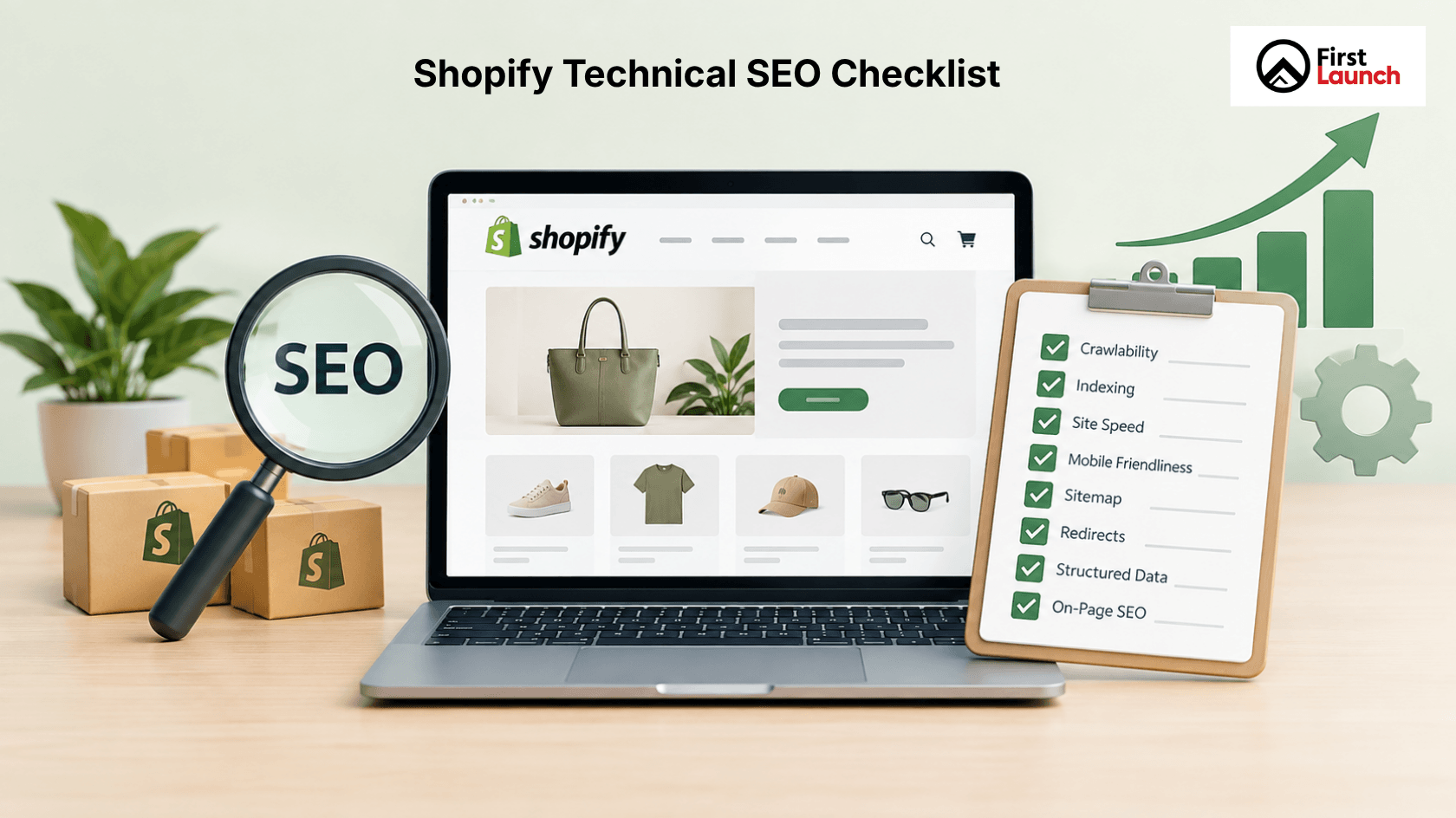
A Shopify store can have great products, an attractive design, and a smooth checkout experience. However, if search engines struggle to crawl, understand, or index your site, your store may not get the organic visibility it deserves.
This is where technical SEO becomes crucial.
Technical SEO focuses on the technical aspects of your Shopify website that impact crawling, indexing, speed, mobile usability, site structure, security, and overall search performance. While it operates behind the scenes, you can clearly see its impact in search rankings, traffic, user experience, and conversions.
A comprehensive technical SEO checklist helps to identify potential issues before they affect your store’s performance. It also makes it easier for developers, marketers, and business owners to align on a common plan.
In this guide, we will cover the key technical SEO checks that every Shopify store should consider.
What Is Technical SEO for Shopify?
Technical SEO is the process of improving the technical elements of a website to help search engines crawl and understand its pages effectively.
For a Shopify store, this includes areas such as:
- Website structure and navigation
- Crawling and indexing
- Page speed
- Mobile usability
- URLs and redirects
- XML sitemaps
- Robots.txt
- Canonical URLs
- HTTPS and website security
- Structured data
- Broken links
- Image optimization
- Core Web Vitals
Technical SEO does not replace content or keyword optimization. Instead, it provides the foundation that allows those efforts to work effectively.
For example, you might have a well-optimized product page that targets a valuable keyword. However, if that page is not indexed correctly, search engines may not display it in search results.
Why Technical SEO Matters for Shopify Stores
Shopify automatically handles many technical aspects, which simplifies store management. However, this does not mean technical SEO can be overlooked.
As your store grows, you may add new products, collections, apps, filters, redirects, images, and content. These additions can introduce technical problems over time.
A technical SEO audit helps you identify these problems before they become serious.
Good technical SEO can help your Shopify store:
- Make important pages easier to crawl.
- Improve search engine understanding.
- Reduce indexing problems
- Improve website speed
- Create a better mobile experience.
- Make navigation easier
- Reduce broken pages and unnecessary redirects.
- Support better user experience and conversion rates.
The goal is not to simply optimize every technical element because it exists. The goal is to ensure the technical setup supports visibility and business outcomes.
Technical SEO Checklist for Shopify
Use the following checklist as a practical starting point for your Shopify store.
1. Check Your Shopify Site Structure
A clear site structure helps both shoppers and search engines understand how your website is organized.
Your main categories should be easy to access from the navigation. Products should be placed under relevant collections, and important pages should not be buried several clicks deep.
A simple structure could be:
Homepage → Collection → Product
For example:
Homepage → Men’s Shoes → Running Shoes → Product Page
Keep your important pages easy to reach. Avoid creating unnecessary layers to organize more content.
Your Shopify web development process should also consider SEO-friendly architecture from the start. Fixing structural issues after hundreds or thousands of products have been added can be more time-consuming.
2. Review Shopify URLs
Shopify automatically generates several URL structures. Product pages generally use /products/, while collection pages use /collections/.
Make sure your URLs are:
- Clear
- Relevant
- Easy to understand
- Consistent
- Free from unnecessary parameters where possible
Avoid changing URLs without a valid reason. If an existing URL needs to change, ensure the old URL properly redirects to the new one.
A sudden change in many URLs can result in broken links and lost organic visibility if redirects are not handled correctly.
3. Check Crawling and Indexing
Search engines need to crawl your website before they can consider its pages for indexing.
One of the most important parts of a technical SEO audit is checking whether search engines can access and index your important pages.
Use Google Search Console to review:
- Indexed pages
- Pages excluded from indexing
- Crawl-related issues
- Sitemap status
- URL inspection results
- Not every page needs to be indexed.
For example, certain system-generated or duplicate URLs may not offer meaningful search value.
The main goal is to ensure that your key pages, such as the homepage, collections, products, and content pages, are accessible and indexed by search engines.
4. Check Your XML Sitemap
Shopify automatically creates an XML sitemap for your online store. This sitemap assists search engines in discovering your important URLs.
After launching your store or making significant changes, check whether your sitemap is accessible and properly submitted via Google Search Console.
It’s also important to regularly monitor Search Console for any sitemap errors.
Keep in mind that having a sitemap doesn’t guarantee every page will be indexed or ranked. It simply makes it easier for search engines to find your website’s URLs.
5. Review Robots.txt
The robots.txt file informs search engine crawlers about which parts of your website they are allowed or not allowed to access.
Shopify provides a default robots.txt file. However, if your store has specific crawling needs, you should carefully review the configuration.
Make sure you don’t accidentally block important pages. This is especially important when making changes through Shopify development or installing apps, as these can impact how URLs are structured.
6. Check Canonical URLs
Ecommerce sites can sometimes have multiple URLs that lead to similar or identical content.
Canonical tags help search engines identify which URL should be considered the main one.
Shopify manages many canonical tags automatically, but it is important to review them during a technical SEO audit.
Check your important product and collection pages to ensure that the canonical URLs point to the correct primary page.
This is especially important when products can be accessed different navigation paths or when URL parameters create variations.
7. Improve Shopify Page Speed
Website speed is important for both user experience and search engine performance.
Large images, too many apps, heavy scripts, poorly optimized themes, and unnecessary third-party code can slow down your Shopify store.
Review the following:
- Largest Contentful Paint
- Interaction to Next Paint
- Cumulative Layout Shift
- Image sizes
- JavaScript usage
- Third-party scripts
- Unused app features
You don’t need to remove all apps from your store. Instead, evaluate whether each app provides enough value to justify its impact on your site’s performance.
A faster website can support conversion optimization since visitors are less likely to leave if pages load quickly.
8. Make Your Shopify Store Mobile-Friendly
Ensure Your Shopify store is Mobile-Friendly. A significant portion of ecommerce activity happens on mobile devices.
Your Shopify store should provide a consistent experience across different screen sizes.
Check the following:
- Mobile navigation
- Product images
- Buttons and forms
- Font readability
- Product filters
- Search functionality
- Checkout experience
- Page loading speed
Don’t just check if the site fits on a mobile screen.
Test how easy it is for users to browse products, compare options, add items to their cart, and complete a purchase.
Technical SEO and conversion optimization are closely linked.
9. Fix Broken Links and 404 Pages
Broken links can create a poor user experience and make website maintenance more difficult.
Review your store for:
- Internal links pointing to deleted products
- Outdated collection links
- Broken navigation links
- Incorrect redirects
- 404 pages
When a product or page is permanently removed, decide whether to redirect the URL to a relevant replacement or show a proper 404 response.
Avoid redirecting every deleted URL to the homepage. A redirect should take users to a page that is genuinely relevant to their search.
10. Review Redirects
Redirects are useful when URLs change, but too many redirect chains can create unnecessary complexity.
During your technical SEO audit, check for:
- Redirect chains
- Redirect loops
- Incorrect destination URLs
- Outdated redirects that are no longer needed
For example, if URL A redirects to URL B and URL B redirects to URL C, it’s better to directly redirect URL A to URL C. Keep your redirect structure simple and easy to manage.
11. Optimize Images
Product images are essential for ecommerce, but large file sizes can affect website performance.
Before uploading images, ensure they are appropriately sized and compressed without significantly reducing image quality.
Also, review the following:
- Descriptive file names
- Alt text
- Image dimensions
- Use of modern image formats when appropriate
- Lazy loading where suitable
Alt text should describe the image naturally.
It should not be filled with keywords solely for SEO purposes.
For example, instead of writing:
“best running shoes running shoes online running shoes India”
Use a useful description such as:
“Black running shoes with white sole”
12. Check HTTPS and Security
Ensure that your Shopify store uses HTTPS to establish a secure connection between the website and its visitors.
Verify the following:
- HTTPS is enabled
- Your main domain is set up to use HTTPS.
- HTTP versions correctly redirect to HTTPS
- There are no mixed-content issues.
Security is especially crucial for e-commerce sites because customers share personal and payment details during transactions.
While Shopify handles much of the infrastructure, website owners should still confirm that their domain settings are properly configured.
13. Review Structured Data
Structured data assists search engines in interpreting specific details on your web pages.
For online stores, relevant structured data can provide details about:
- Products
- Prices
- Availability
- Customer reviews
- Business information
- Breadcrumbs
Many Shopify themes and applications can automatically include structured data, but how it is implemented may differ.
Ensure that structured data is accurate and does not contain outdated pricing, incorrect availability, or details not visible on the page.
14. Check Shopify Features and Apps
Shopify offers a variety of features and apps that can enhance your store’s functionality.
However, using too many apps can lead to unnecessary scripts, duplicate functions, or technical challenges.
As part of your technical SEO evaluation, take time to review the apps you have installed.
Consider these questions:
- Is this app currently in use?
- Does it add unwanted scripts?
- Does it result in duplicated content or URLs?
- Does it impact page speed?
- Is another app already fulfilling the same function?
The goal is not to use fewer Shopify features simply for the sake of it. It is to maintain a clean and efficient store.
When Should You Run a Shopify Technical SEO Audit?
A technical SEO audit should not only occur when rankings fall.
Consider conducting an audit of your Shopify store:
- Before a major website launch
- After a Shopify redesign
- Following a theme change
- After migrating from another platform
- After adding a large number of products
- After installing multiple apps
- When organic traffic drops unexpectedly
- When indexing issues arise
- As part of regular SEO maintenance
If your store is growing rapidly, regular checks can help prevent small technical problems from becoming major issues.
How a Shopify Website Development Company Can Help
Technical SEO should ideally be integrated into the development process rather than added after the website is completed.
A Shopify website development agency can work with SEO teams to address site structure, navigation, page templates, redirects, performance, mobile usability, structured data, and app integrations.
This collaboration can reduce the need for costly technical fixes later.
The same principle applies when redesigning an existing store. Design decisions can affect URLs, internal linking, page speed, indexing, and user experience. SEO should be part of the development process, not an afterthought.
Shopify Technical SEO Checklist
Before considering your Shopify store technically ready, review the following:
- The site structure is clear and easy to navigate.
- Important pages are crawlable and indexed.
- An XML sitemap is accessible and submitted.
- The robots.txt file does not block important pages.
- Canonical URLs are properly configured.
- URLs are clean and consistent.
- Broken links are fixed.
- Redirects are working correctly.
- Redirect chains and loops are minimized.
- Pages load quickly
- Core Web Vitals are monitored.
- The store works well on mobile devices.
- Images are optimized
- HTTPS is correctly configured
- Structured data is accurate.
- Unnecessary apps and scripts are reviewed.
- Important product and collection pages are accessible.
- Google Search Console is regularly monitored.
Final Thoughts
Technical SEO provides the foundation for a Shopify store that can be discovered, understood, and effectively used.
A strong technical setup does not guarantee rankings on its own. However, technical issues can make it harder for search engines to crawl your store and for customers to complete their shopping journey.
Use this technical SEO checklist as a starting point, and review your store regularly as it grows.
If you need assistance in identifying technical issues or improving your Shopify store’s search performance, contact First Launch to discuss your Shopify SEO and technical SEO requirements.
Frequently Asked Questions
Does Shopify provide SEO?
Yes. Shopify provides several built-in features that support SEO, including editable page titles and meta descriptions, automatic XML sitemaps, canonical tags, SSL, mobile-friendly themes, and structured URL formats. However, these features do not cover every aspect of SEO. Technical SEO, content optimization, keyword research, internal linking, and authority building still need to be managed as part of a broader SEO strategy.
What comes in technical SEO?
Technical SEO covers the technical elements that help search engines crawl, understand, and index a website. For a Shopify store, this includes site structure, crawling and indexing, XML sitemap, robots.txt, canonical URLs, redirects, broken links, page speed, Core Web Vitals, mobile usability, HTTPS, structured data, and image optimization. A technical SEO audit helps identify issues across these areas.
What is the best SEO tool for Shopify?
There is no single SEO tool that is best for every Shopify store. Google Search Console is useful for monitoring indexing, search performance, and technical issues. Google Analytics helps track organic traffic and user behavior. Tools such as Semrush and Ahrefs can support keyword research, competitor analysis, backlink analysis, and technical audits. The right combination depends on the store’s size, SEO goals, and level of expertise.
How to set up SEO on Shopify?
Start by setting up a clear website structure with relevant collections and product pages. Then optimize page titles, meta descriptions, product content, URLs, images, and internal links. Check your XML sitemap, robots.txt, canonical URLs, redirects, mobile usability, and page speed. Connect Google Search Console and Google Analytics to monitor performance and indexing. A technical SEO checklist can help ensure important areas are covered.
Does Shopify offer SEO optimization services?
Shopify provides built-in SEO features and resources, but it is not an SEO agency that manages your complete SEO strategy. Businesses can handle SEO internally or work with an SEO agency or Shopify website development company. Professional support can be useful for technical SEO audits, site migrations, performance improvements, keyword strategy, content optimization, and ongoing SEO management.

