
First Launch grew a trading platform’s YouTube reach by 464% in 90 days. Numbers like that don’t happen by uploading a video and hoping the algorithm notices. They happen when every upload is backed by validated demand, the right keywords, and a clear read on what’s already working, before the camera even turns on. That’s the job of a YouTube SEO tool: turn guesswork into a repeatable process. The seven below do exactly that, and none of them cost a single rupee to start.
Free YouTube SEO Tools at a Glance
The seven tools below cover keyword research, tag optimization, competitor tracking, and native analytics. Every one has a free tier or a free way to start, though a few free tiers are thinner than their marketing suggests, so we’ve listed the real limits, not just the headline pitch.
| Tool | Best For | Free Tier Limit | Standout Feature |
|---|---|---|---|
| Google Trends | Validating topic demand | Unlimited, fully free | Search interest over time plus regional breakdown |
| KeywordTool.io | Long-tail keyword ideas | Suggestions only, no volume or competition data | Pulls ideas straight from YouTube’s own autocomplete, no login needed |
| TubeBuddy | Tag suggestions and upload workflow | 3 keyword searches/day, 10 tag suggestions/video, 1 channel | Free thumbnail generator plus comment management tools |
| vidIQ | Quick SEO score checks | 150 AI credits/month, limited keyword lookups | Chrome extension overlays SEO scores directly on YouTube’s own pages |
| YTCockpit | Keyword and rank tracking | Paid tool; trial availability varies by source | Tracks how your own videos rank for target keywords over time |
| YouTube Studio | Native channel analytics | Unlimited, fully free (official YouTube tool) | First-party traffic-source and audience retention data |
| Social Blade | Competitor benchmarking | Public stats free; deep history and API access paid | Historical subscriber and view graphs for any public channel |
Google Trends: Confirm a Topic Has Demand Before You Film
Google Trends shows whether interest in a topic is rising or falling, for free, before you spend a single hour filming. It isn’t built specifically for YouTube, but creators use it constantly to sanity-check a video idea against real search behavior instead of a hunch.
The regional breakdown is worth the extra click if you’re targeting an India-specific audience alongside a global one. A topic trending in the US isn’t always trending the same way in India, and Trends will show you that gap before you commit a production day to it.
Features
- Shows search interest over time for any topic or keyword
- Compares up to five keywords side by side for relative popularity
- Breaks results down by country and region
- Surfaces related and rising queries you might not have considered

KeywordTool.io: Find the Long-Tail Keywords Google Trends Misses
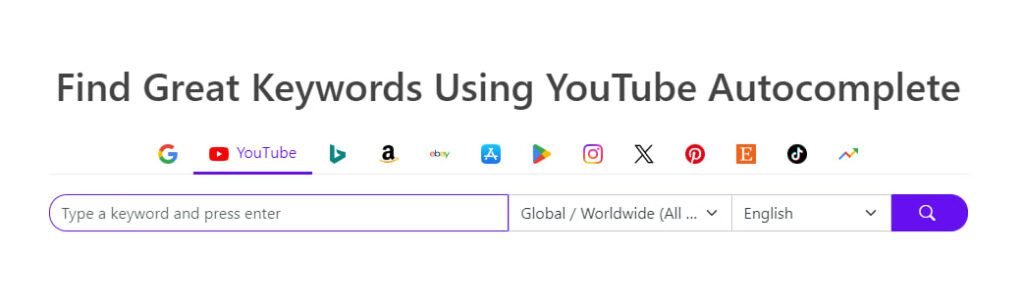
KeywordTool.io’s free plan surfaces YouTube autocomplete keyword ideas with no login required, useful for spotting long-tail phrases you’d never think to search yourself. What it won’t show you for free is search volume or competition, that data sits behind the paid Keyword Tool Pro plan, so treat the free tier as an idea generator, not a prioritization tool.
For a broader keyword workflow that goes beyond YouTube specifically, our roundup of free keyword research tools covers the rest of the stack.
Features
- Generates long-tail keyword suggestions pulled from YouTube’s own autocomplete
- Free tier works with no login and no daily search cap
- Search volume, CPC, and competition data require the paid Pro plan
- Expands a single seed keyword into dozens of long-tail variants
TubeBuddy: Optimize Tags, Thumbnails, and Upload Timing in One Place
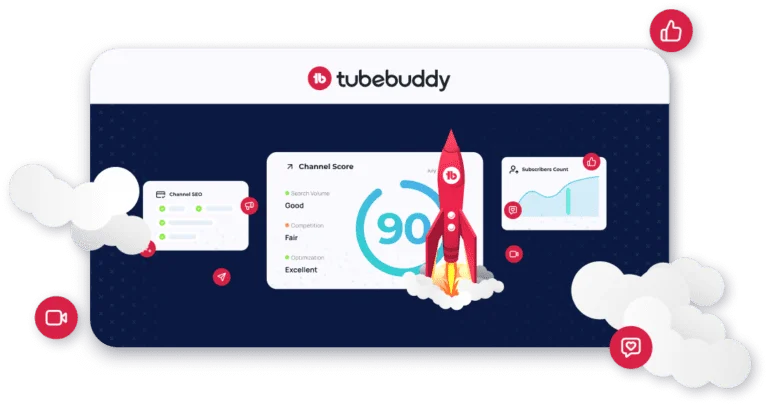
TubeBuddy’s free plan covers tag suggestions and a basic thumbnail generator on a single channel, but its most talked-about features, A/B thumbnail testing and bulk video processing, sit behind a paid plan. Worth knowing before you build a workflow around features you’ll hit a paywall on halfway through.
It runs as a browser extension, so it layers its tools directly inside YouTube Studio and the YouTube website itself rather than sending you to a separate dashboard.
Features
- Free plan includes tag suggestions, capped at 10 per video, on one channel
- Basic thumbnail generator and comment management tools included free
- Basic Videolytics analytics available on the free tier
- A/B thumbnail testing, bulk processing, and AI tools require a paid plan
vidIQ: Track Competitors and Fix Underperforming Videos
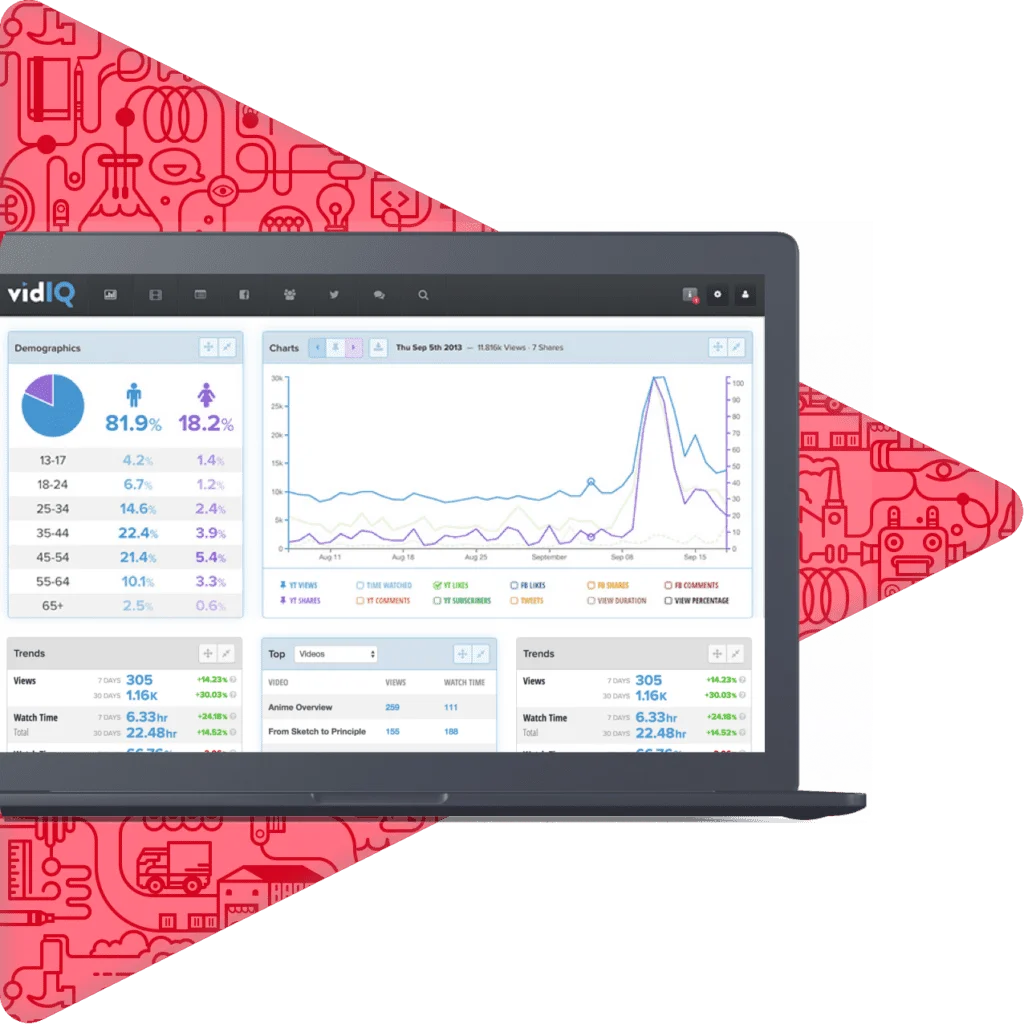
vidIQ’s free plan gives you a Chrome extension that overlays SEO scores directly on YouTube’s own search results and channel pages, plus a capped number of AI credits each month for idea generation. It’s genuinely useful for a quick gut-check on a video’s SEO health while you’re already browsing YouTube.
Deeper competitor analysis and unlimited keyword research, the features most often associated with vidIQ, require upgrading to a paid tier. The free plan is closer to a diagnostic tool than a full research suite.
Features
- Chrome extension overlays SEO scores on YouTube’s own search and channel pages
- Basic video performance stats: views, engagement, traffic sources
- 150 AI credits per month plus limited keyword lookups on the free tier
- Deeper competitor analysis and unlimited keyword research require a paid plan
YTCockpit: Target Keywords With High Search, Low Competition
YTCockpit is a paid keyword research and rank-tracking tool built specifically around YouTube’s search behavior. Trial availability has been reported inconsistently across sources, so confirm current terms directly on their site before you commit a card rather than assuming a free trial is guaranteed.
Where it earns its place on this list is rank tracking: unlike a keyword tool that only tells you what to target, YTCockpit also tracks how your own videos are actually ranking for those terms over time.
Features
- Tracks how your own videos rank for target keywords over time
- Surfaces keyword suggestions weighted by search volume and competition
- Built specifically for YouTube’s search and ranking behavior, not general web SEO
- Paid plans generally scale by the number of tracked keywords and channels
YouTube Studio: The Free Tool Most Creators Underuse
YouTube Studio, YouTube’s own free dashboard, already contains the retention, traffic-source, and audience data most creators pay third-party tools to approximate. It’s the only tool on this list showing YouTube’s actual first-party data instead of an estimate, and every channel already has access to it.
The Analytics tab’s search terms report is the closest thing to a free answer key: it shows the exact queries that brought viewers to a video, which you can then feed back into your next round of Google Trends or KeywordTool.io research.
Features
- Manages video uploads, editing, and scheduling
- Reports audience engagement and demographics
- Shows the exact search terms and traffic sources driving views
- Lets you edit video metadata and settings without leaving the dashboard
Social Blade: Benchmark Your Growth Against Real Competitors
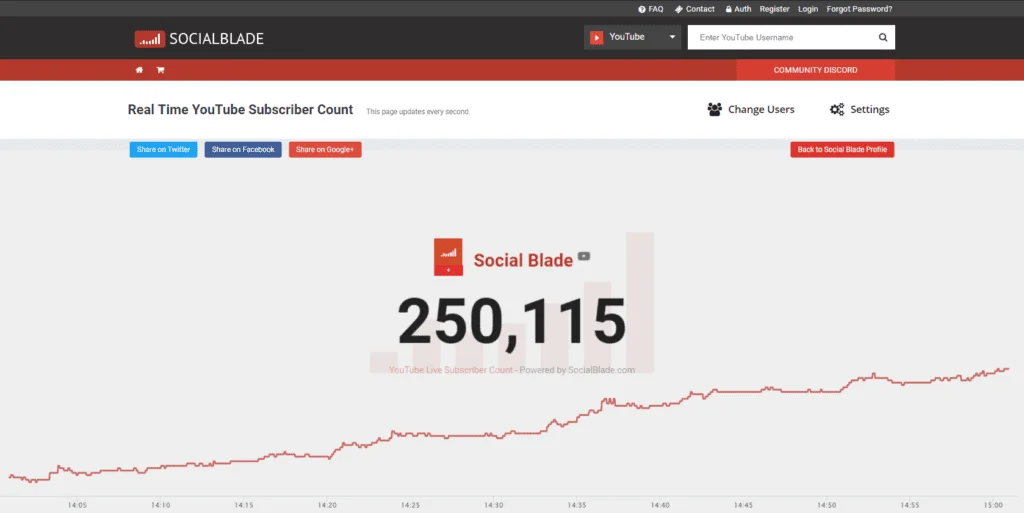
Social Blade turns any public YouTube channel’s subscriber and view history into a free, browsable graph, useful for benchmarking your growth rate against competitors without asking them for their numbers. It also covers Twitch and other platforms if your content strategy spans more than one channel.
Features
- Tracks channel statistics and growth trends for any public channel
- Historical subscriber and view count graphs, no login required
- Estimated earnings and engagement metrics available on the free tier
- Full historical data exports and API access require a paid plan
Putting These Free Tools Into a Repeatable YouTube SEO Process
None of these tools replace a strategy, they inform one. Google Trends and KeywordTool.io tell you what to make. TubeBuddy and vidIQ help you package it. YTCockpit and Social Blade tell you whether it’s working against the competition. YouTube Studio ties all of it together for free, inside an account every creator already has.
If you’d rather have a team validate topics, optimize titles, and track competitors for you instead of running seven tabs yourself, that’s the kind of work our SEO team in Bangalore and social media marketing team handle daily for brands scaling on YouTube and beyond.
Frequently Asked Questions About Free YouTube SEO Tools
What is the best free tool for YouTube SEO?
There isn’t one single best tool, each covers a different part of the process. YouTube Studio is the strongest all-around free option since it’s built into every channel and shows real audience data. Pair it with Google Trends for topic validation and KeywordTool.io for keyword ideas to cover research and analytics without paying for either.
Do I need to pay for YouTube SEO tools to rank videos?
No. Google Trends, YouTube Studio, KeywordTool.io’s keyword suggestions, and Social Blade’s public channel stats are all free with no time limit. Paid tiers on tools like TubeBuddy and vidIQ add convenience, bulk processing and A/B testing, but they aren’t required to rank a video.
How do I find YouTube keywords for free?
Start with KeywordTool.io, which scrapes YouTube’s own autocomplete to surface long-tail keyword ideas with no login required. Cross-check demand with Google Trends, then confirm the keyword actually drives views using YouTube Studio’s search terms report under Analytics.
Does YouTube Studio show me SEO data?
Yes. YouTube Studio’s Analytics tab reports the exact search terms and traffic sources bringing viewers to your videos, plus audience retention by timestamp. It’s the only tool on this list showing YouTube’s own first-party data, and it’s free for every channel.
How often should I check my YouTube SEO tools?
Weekly is enough for most channels. Check YouTube Studio’s traffic sources and retention data weekly, run a fresh Google Trends or KeywordTool.io search before each new video, and save deeper competitor benchmarking on Social Blade for a monthly review.
Can these tools help a brand-new channel with zero subscribers?
Yes, arguably more than they help an established channel. Google Trends and KeywordTool.io don’t require any channel history to use, so a new creator can validate topics and find keywords from video one. YouTube Studio’s analytics simply become more useful as views accumulate.

